My Flutter AR Development Journey Ep.1
·1 min read
AR development with Flutter
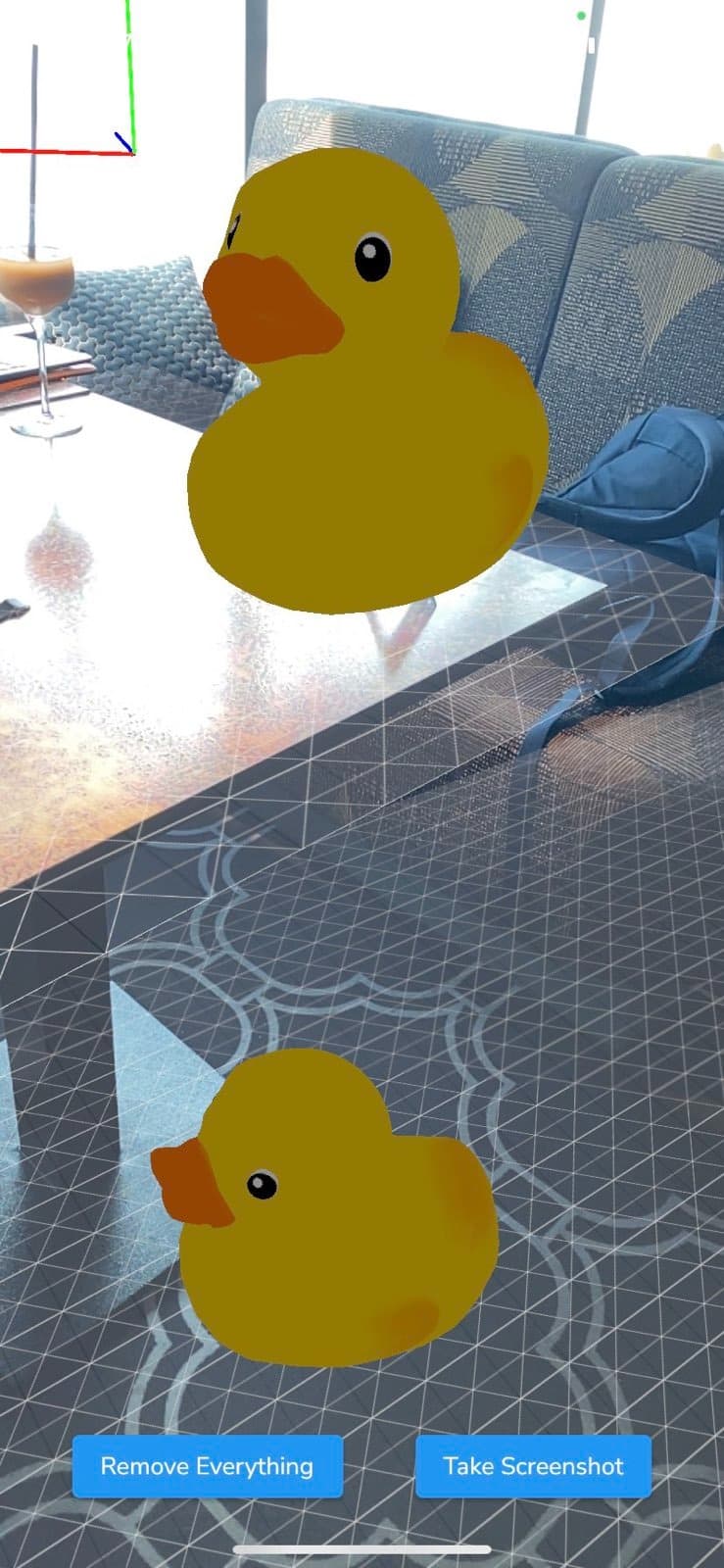
I have tested the screenshot example of the ar_flutter_plugin.
However, the example given on pub.dev was not null-safe and not compatible with Flutter version 3.0.
The code base had been modified and it could be run on iOS and Android now. The available functionalities are:
- Plane detection
- Feature Points visualization
- Adding anchor
- Placing web object to the anchor created
- Remove all objects' anchors
- Object tapping detection
- Taking the screenshot (no saving yet)
Modification
- Removed AppBar and ARView constraint
- ARView is now available in full screenshot
- Add SafeArea feature for multiple Android devices support
Recommended Reading: