CircleCI Jira Integration
CircleCI is a continuous integration and continuous delivery platform that can be used to implement DevOps practices.
Jira is a software application known as the market standard in project management, task management, and issue tracking.
A demo was created to demonstrate the integration between the two platforms.
There are 2 plugins listed on the Atlassian Marketplace for Jira. The most common one is the "CircleCI for Jira" plugin. I have also tried the "CircleCI-Jira Integration Pro" plugin but then from my experience, the "CircleCI for Jira" is providing a better automation experience. Thus, in this demo, I used the "CircleCI for Jira" plugin.
I created a new jira instance on the Atlassian and followed this guide to set it up.
Guide of CircleCI for Jira plugin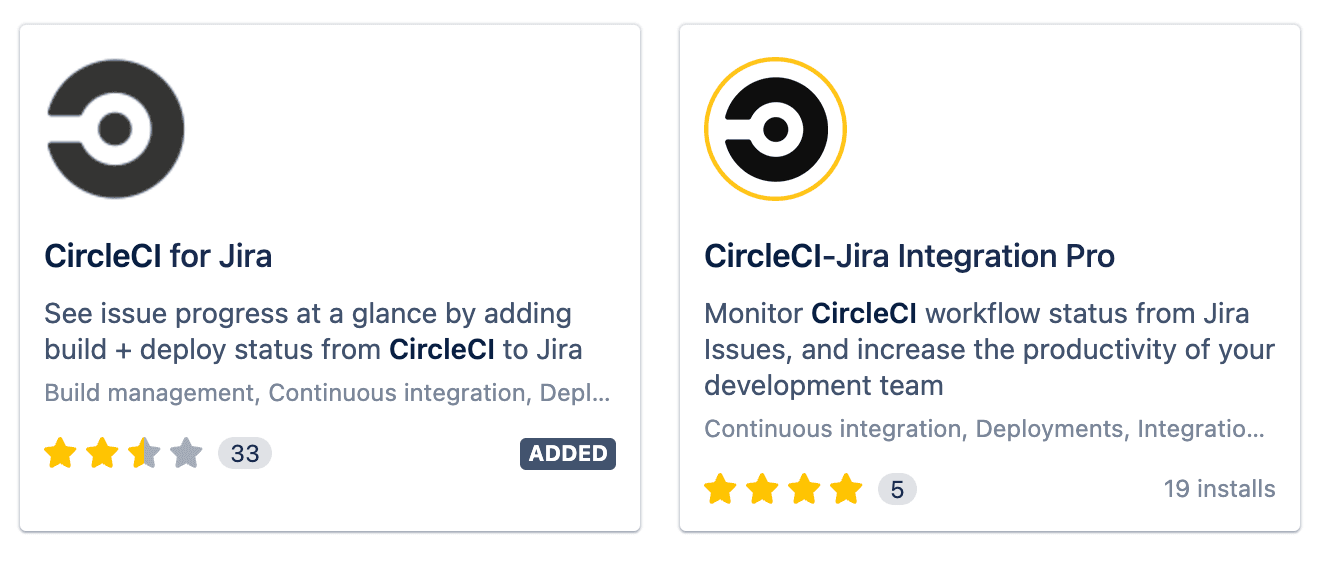
Repository I used: behavior-driven-python
- Originally forked from AndyLPK247's behavior-driven-python
- Modified the repository a bit, only keep unit testing parts using pytest, pytest-BDD
- AndyLPK247 writes a very good dev blog automationpanda about python, testing and automation, which I highly recommend.
CircleCI orbs
In CircleCI, we manage all the configurations in one single file.config.yml
In the orbs section, I chose python orbs for my project. Then, after project creation in CircleCI, I added the Jira orbs below:
orbs:
  python: circleci/python@1.5.0
  jira: circleci/jira@1.3.1
CircleCI jobs
executors, resources class
CircleCI can automate projects with workflows with different executors and resources. For this project, the executor is Docker. The image is set in the yml.
docker:
      - image: cimg/python:3.9.5
I did not specify the resource class. The default resource class is 4 CPU and 8 Gb RAM.
CircleCI steps
In steps , we define how different steps in order for CircleCI to execute. It follows the basic flow:
- checkout the repository
- install required packahes / dependencies
- run the test script
The above 3 steps are automatically generated by CircleCI while configuring the project.
In the run tests section, I added pytest --junitxml=results/junit.xml command there so that the pytest result could be exported in xml format.
I added - store_test_results: path: results after the -run step so that we can visualize the exported xml result in CircleCI directly.
As for integrating with the Jira environment, the jira/notify: is added so that CircleCI could match issue tickets in targeted Jira with this project.
issue_regexp in jira/notify: has been configured in this yml so that the Jira ticket ids could be matched between the 2 platforms.
It has to be customized based on how the issue id pattern is set in Jira.
The whole picture of the steps part is below.
 steps:
      - checkout
      - python/install-packages:
          pkg-manager: pip
          app-dir: pytest-bdd/  # If you're requirements.txt isn't in the root directory.
          # pip-dependency-file: test-requirements.txt  # if you have a different name for your requirements file, maybe one that combines your runtime and test requirements.
      - run:
          name: run tests
          command: pytest --junitxml=results/junit.xml

      - store_test_results:
          path: results

      - jira/notify: # Runs the Jira's "notify" commands after a build has finished its steps.
              issue_regexp: '[A-Z]{2,30}[0-9]-[0-9]+'
              scan_commit_body: true
CircleCI workflows
We can create multiple workflows here for different scenarios. In this demo, only 1 workflow for 1 job is set due to simplicity.
It is worthy to mention that in the CircleCI guidance, the example showed that the - jira/notify: section was put inside post-steps: under the workflow.
However, it did not work for the CircleCI version I used. Thus, I put that step under the steps section instead.
Integration result
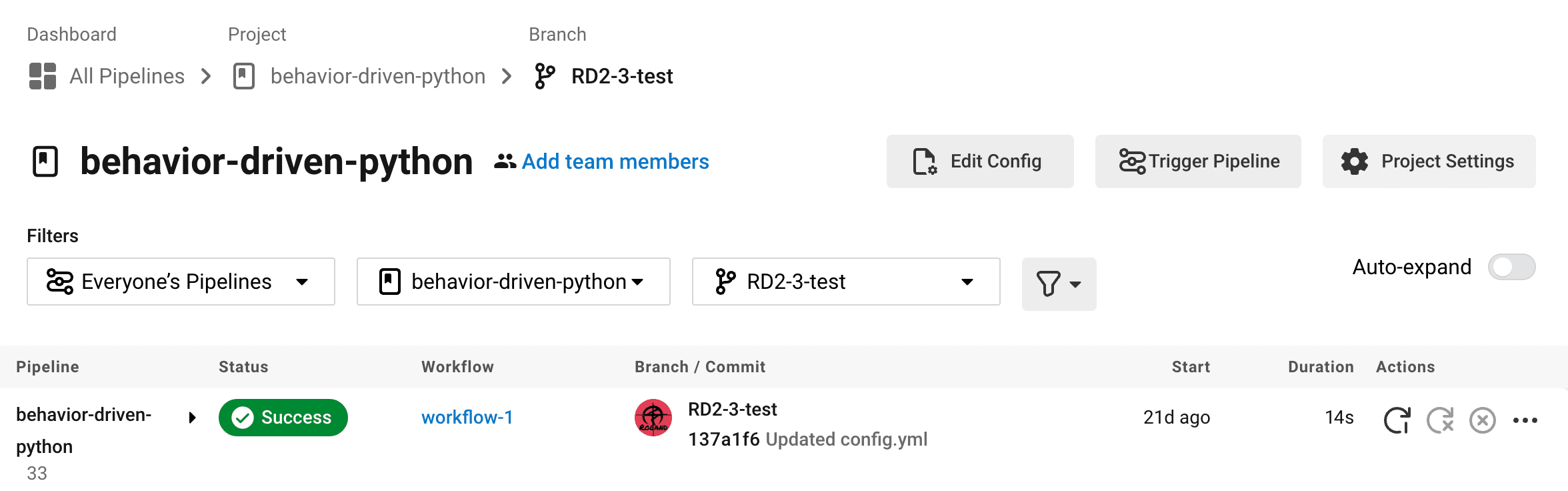
CircleCI Workflow view
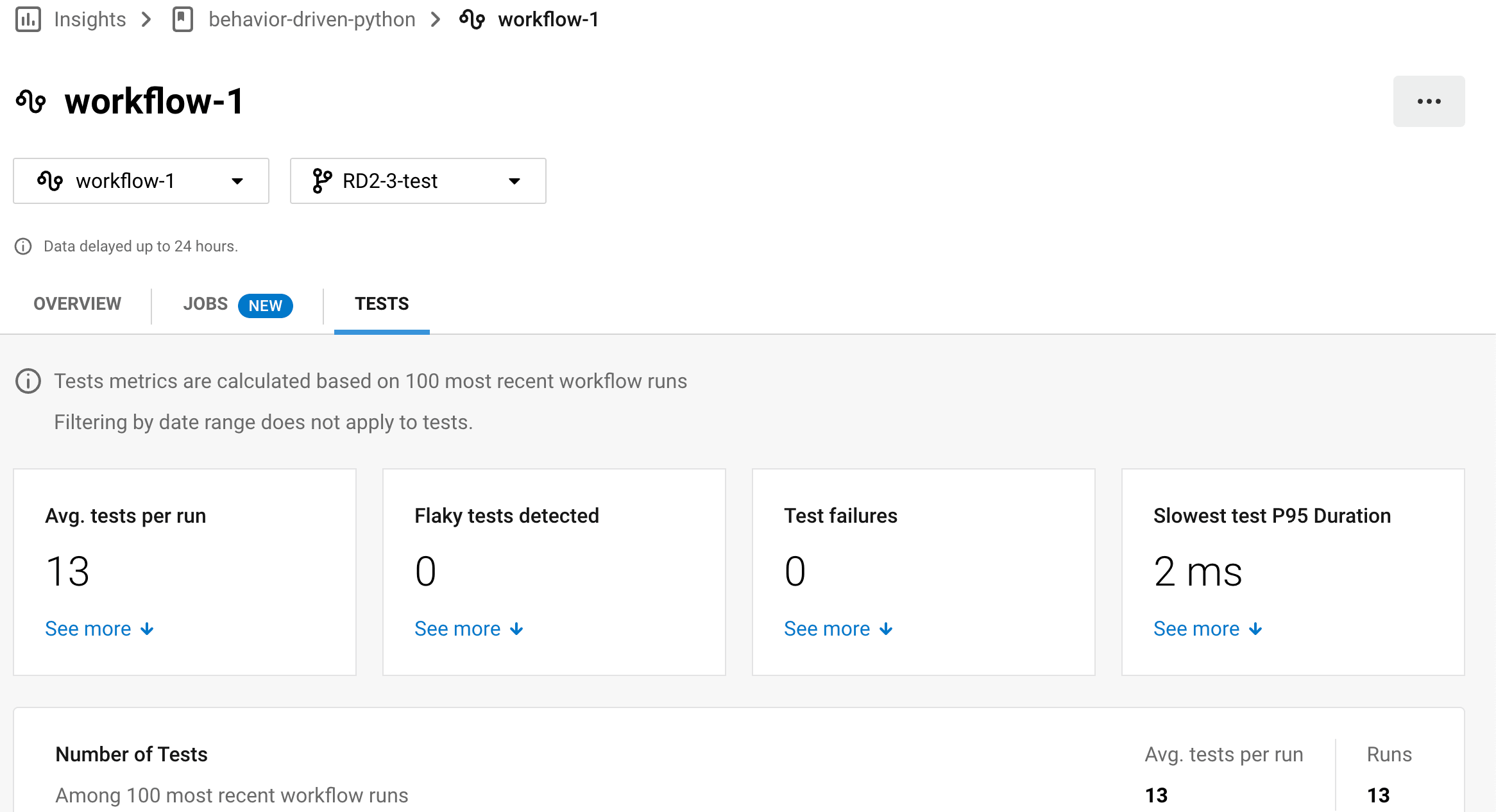
CircleCI Test Insights view
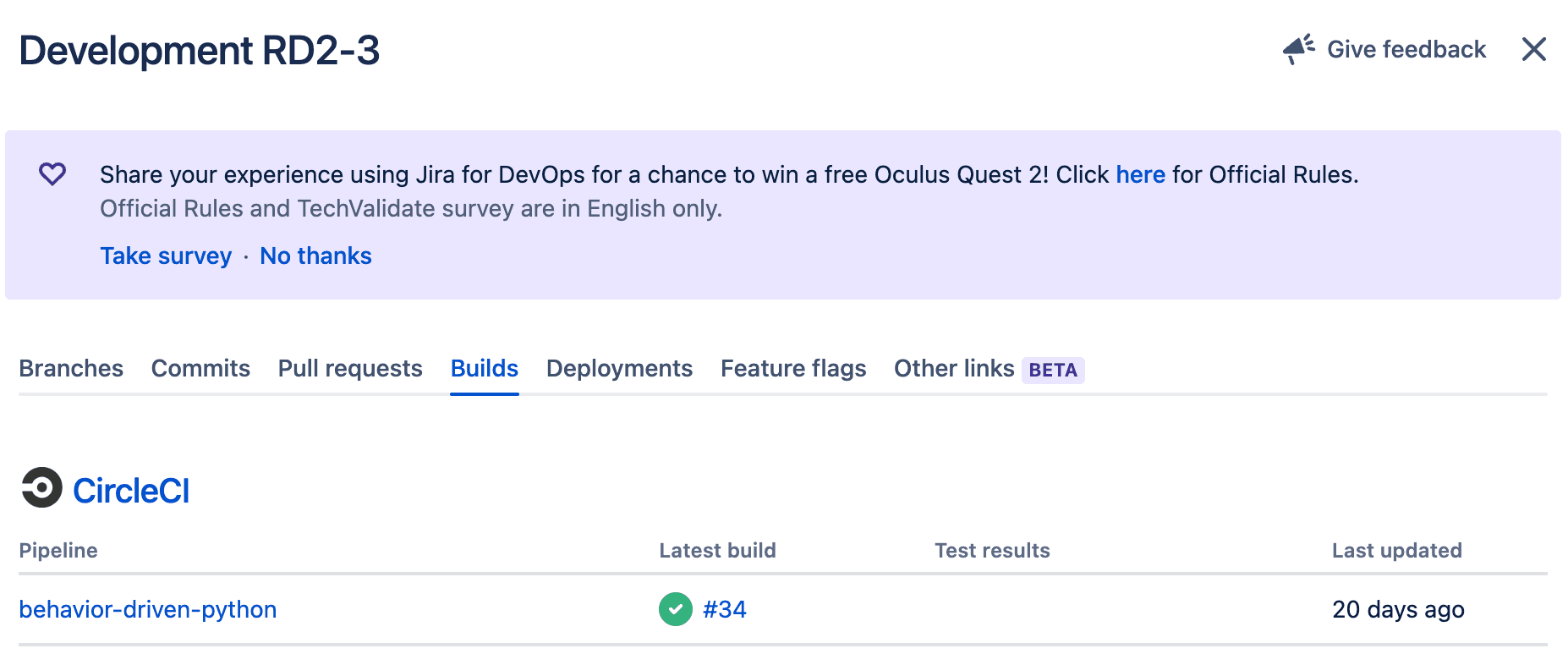
Jira view
Conclucsion
It is a basic integration, which helps to show the automatic workflow status from CircleCi for associated tickets in Jira.
It is very scalable and easy to configure because all the configuration stuff would be just in one single yml file.
However, engineers might have to do some tricks but not just simply follow the guidance documents of CircleCI due to many changes related to dependencies and virtual environments.
When creating this demo, I had to dig into issues of the Github repository of the plugin multiple times for finding answers.
Still, it was pretty smooth since the CircleCI community is open source.
Recommended Reading:
What is continuous integration - CircleCI
How to use Jira for CICD - Atlassian